How to Set Trading Password
Your trading password is very important. When enabled, it’s used to verify all your transactions on KuCoin TR, including spot, withdrawals and API-related actions. Remember or write down your trading password securely. Here, we’ll help you on how to set your trading password.
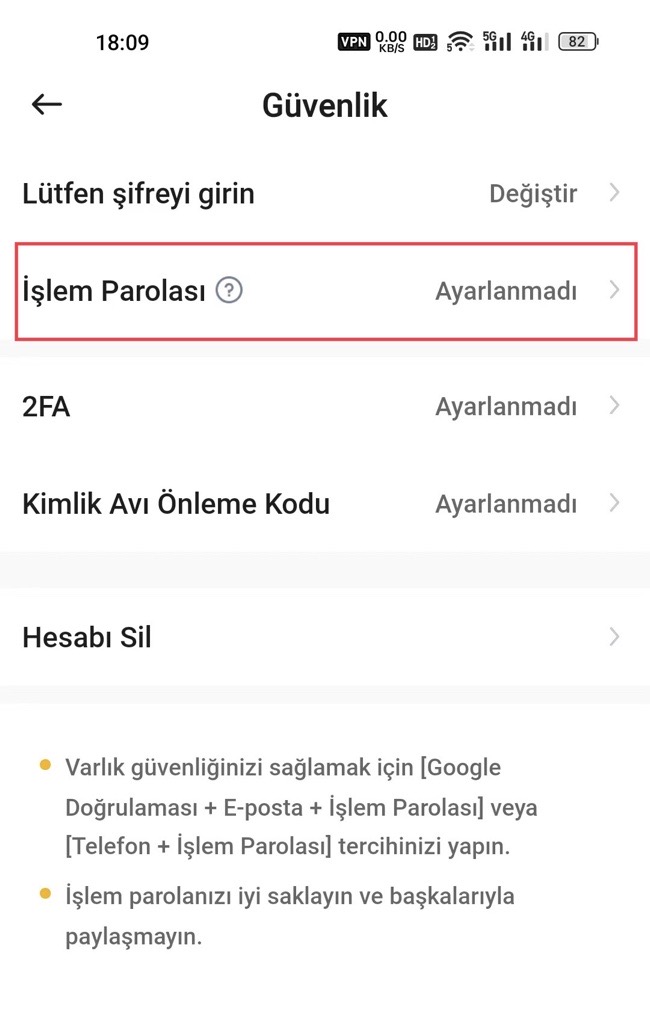
Step 1: Go to the Security page and locate "Trading Password." Select "Not Configured" next to it.
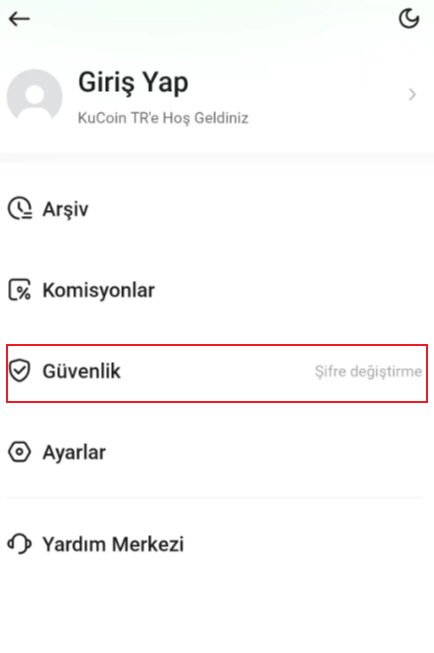
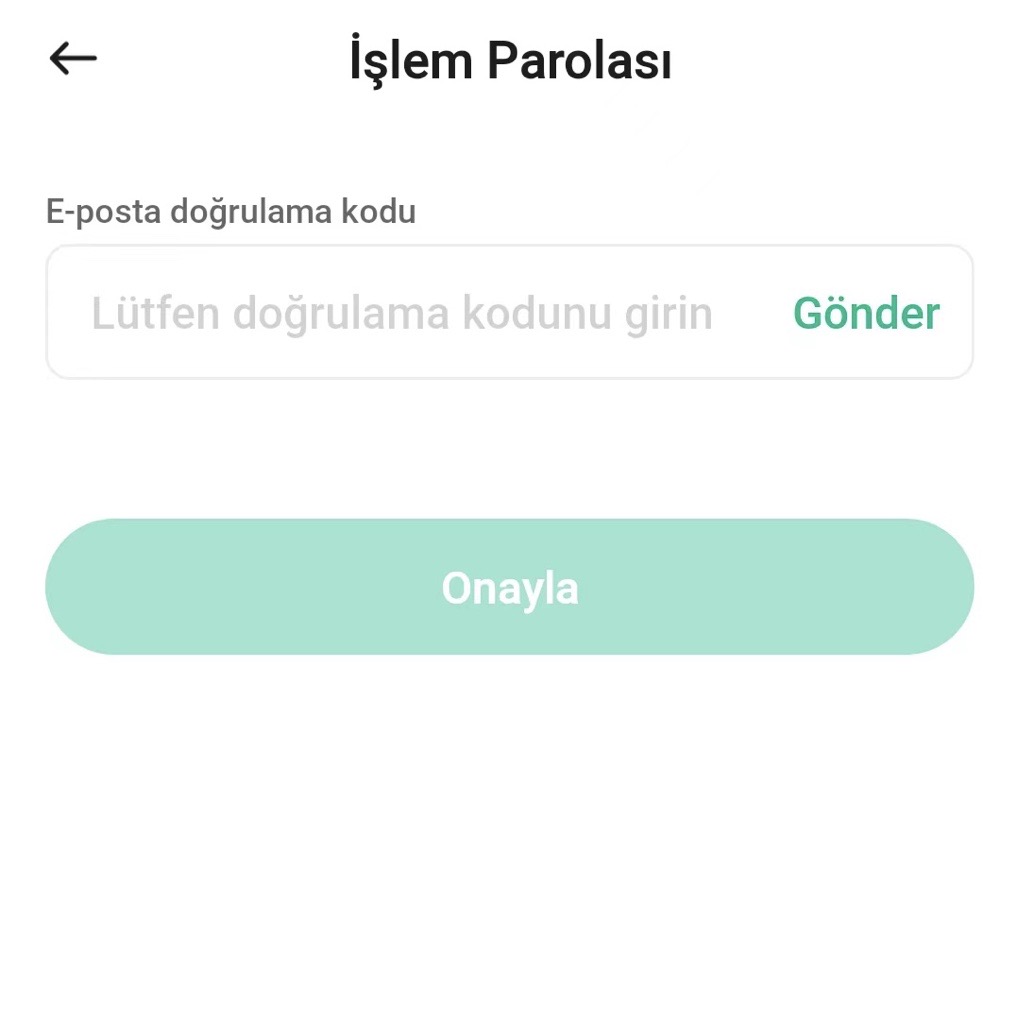
Step 2: Click "Send" to receive and input Google 2FA, SMS, or email verification code. Click "Confirm" after completing verification.
Step 3: Set a six-digit trading password (no symbols or letters) and confirm it again.
Step 4: Your trading password will be successfully configured.
Note:
a. The password must be 6-digits with no letters or symbols.
b. Remember and keep your password safe, as it can only be recovered via two-factor authentication.
c. KuCoin TR support will never ask for your trading password on any communication channels. Do not share your trading password with anyone.